Energy & Tender Decision Platform

LAL Energy

Turn tenders into a command center.

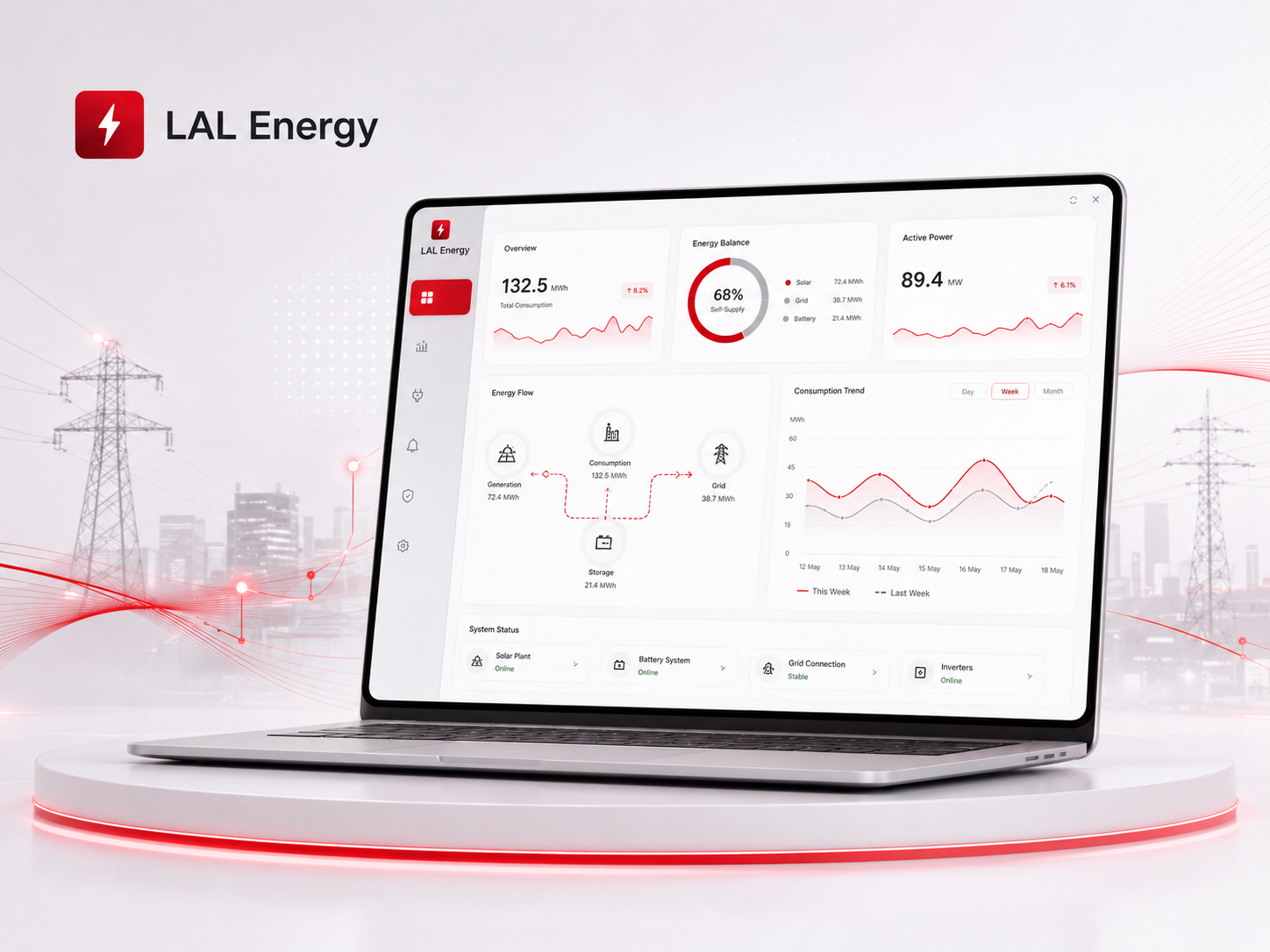
LAL Energy is a decision and workflow platform for energy procurement and tender scenarios, combining process, energy, cost, proposal, document, task, approval, risk, AI and audit layers in a Tender 360 experience.

LAL Energy
DETAILED OVERVIEW

Turn energy tenders into a decision, proposal and verification command center

LAL Energy combines energy, cost, proposal, approval, risk, AI verification and audit workflows in a Tender 360 decision environment.

The existing product base includes tender card, buyer/administration information, finance, items, tasks, notes, documents, calendar, AI, KPIs, risk, Bid/No-Bid, comparison and proposal components.

Tender 360

Brings process, energy, cost, proposal, documents, tasks, approval, risk, AI and audit into one view.

Energy & Cost

Tracks consumption, tender quantity, estimated cost and proposal/margin context together.

Bid / No-Bid

Connects decision support with proposal preparation and risk flow.

AI Verifier

Finding → Evidence → Risk → Recommended Action.

Workflow

Definition, version, node, transition, task, assignment and record binding.

Audit

Process timeline and execution trace.

CAPABILITIES

Tender 360

Tabs

  • Overview
  • Process
  • Energy
  • Cost
  • Proposal
  • Documents
  • Tasks
  • Approval
  • Risk
  • AI
  • Audit

Overview Indicators

  • Proposal status
  • Tender / reference context
  • Energy quantity
  • Estimated cost
  • Proposal amount
  • Margin
  • Bid deadline
  • Document completeness
  • Verification alerts
  • Risk score
  • Bid/No-Bid result

Tender Card

  • Buyer/administration information
  • Finance fields
  • Tender items
  • Tasks and notes
  • Documents and calendar
  • AI analysis context
  • KPI view
  • Tender comparison and proposal side
CAPABILITIES

Energy, Cost, Bid/No-Bid and Proposal

Energy

  • Energy consumption / tender quantity view.
  • Consumption context for electricity-supply scenarios.
  • Scenario flow for bringing Excel/document data into the tender card.

Cost

  • Estimated-cost field.
  • Cost-sheet / item-based costing context.
  • Currency-aware cost vs proposal comparison.
  • Margin view.
  • Comparison between finance layer and proposal layer.

Decision & Proposal

  • AI-assisted Bid / No-Bid.
  • Proposal creation.
  • Verification between proposal total and cost sheet.
  • Pre-submission detection of incorrect/mismatched totals.
  • Stop submission and route into correction/approval flow when a proposal error is found.
CAPABILITIES

AI Verification — Verifier Approach

1. Finding

  • Show the detected mismatch or issue in a clear sentence.
  • For example, a mismatch between cost sheet and proposal total.

2. Evidence

  • Show the cost, proposal, document or field values supporting the finding.
  • Present source records in a comparable form.
  • Keep the source document/calculation/field context traceable.

3. Risk

  • Risk class such as Critical / Financial / Proposal Validity.
  • Risk score visible in Tender 360.
  • Carry risk information into submission or approval decisions.

4. Recommended Action

  • Control action such as stopping proposal submission.
  • Workflow action such as routing to finance/tender manager approval.
  • Re-run verification after correction.
CAPABILITIES

Workflow & Approval Management

Process Definition

  • Process definitions.
  • Workflow versions.
  • Node structure.
  • Transition structure.
  • Form/page binding.
  • Active/published-version approach.

Authorization

  • Role / unit / person assignments.
  • Users see only tasks/actions allowed by runtime.
  • When no assignment exists, process info may remain visible while action controls are hidden.
  • Use existing assignment mechanisms instead of hard-coded user/role IDs.

Record Binding

  • Workflow instance bound to the real tender_id.
  • record_id = tender_id approach.
  • module_code=TENDERS / page_key=tenders / action_key=edit / record_id_parameter=id binding model.
  • Form/page binding opens the same tender card.
  • Auto-start only after the first successful save produces the real tender_id.
  • No new instance on update or on clicking New Tender.
  • Runtime approach preventing accidental second instance for the same tender.

Task & Transition

  • Open the same tender record from approval tasks such as FIRST_APPROVAL.
  • Open the same tender record from correction tasks such as REVISION_TASK.
  • Server-side authorization for runtime-defined transitions.
  • Completed tasks cannot be executed twice.
CAPABILITIES

Process Timeline & Audit

Timeline

  • Tender ingested.
  • Documents parsed.
  • Finance costing completed.
  • AI verification executed.
  • Mismatch / critical alert generated.
  • Correction applied.
  • Manager approval.
  • Proposal ready to submit.

Audit

  • Workflow instance status.
  • Task and transition trace.
  • Process trail of who performed which step.
  • Process and AI events visible together in Tender 360.
  • Server-side tenant scoping through company_id / user_id approach.
FAQ

Frequently asked questions

Is LAL Energy only a tender list?+

No. The target product story uses Tender 360 to combine energy, cost, proposal, documents, tasks, approval, risk, AI and audit in one command center.

How is AI output presented?+

AI verification uses a four-part format: Finding, Evidence, Risk and Recommended Action.

Is a customer’s internal procedure assumed in advance?+

No. The workflow model is parametric and is adapted to the organization’s actual roles, approvals and operating model.

How is workflow bound to a tender?+

Workflow binds to the real tender_id; the record_id=tender_id relationship keeps the process instance connected to the same tender record.

QBS PARTNER NETWORK

Find a partner specialized in LAL Energy.

The product showroom filters the authorized network by product capability.

Open partner showroom →

See LAL Energy with your own scenario.

Book a demo →